Turn thermal alerts into the right response before heat escalates
A thermal alert is only useful if it reaches the right people and fits the response path they already trust. AVIAN routes abnormal heat into operator alerts, maintenance follow-up, event reporting, and optional control-system actions without forcing a new control-room workflow.
- Heat event
- Alert routing
- Operators and maintenance
- Optional control action
- Recorded evidence
The integration gap
Detection alone does not close the loop
Many sites already have fire alarms, suppression, PLCs, radios, inspections, and maintenance routines. The problem is that early heat signals often sit outside those workflows until the event becomes visible or expensive.
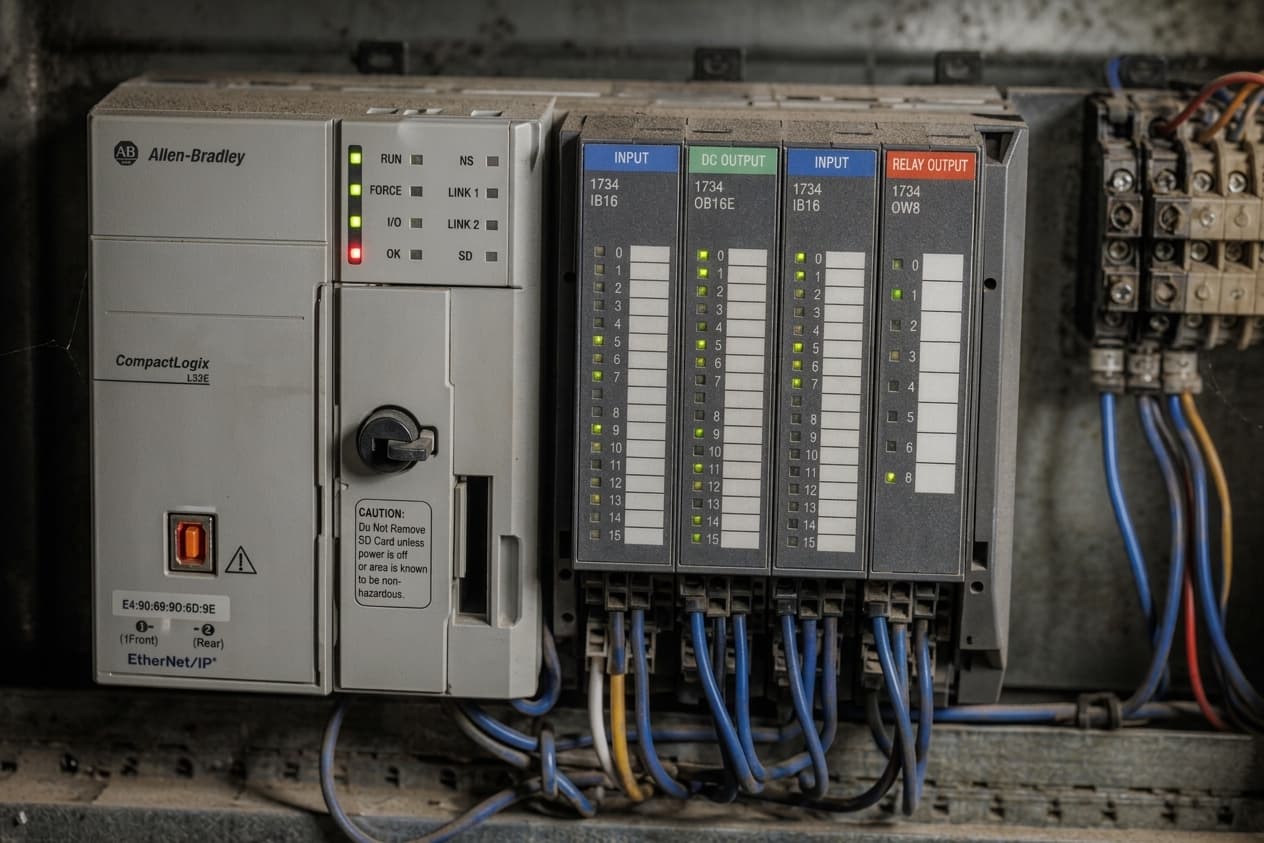
Integration surfaces
One thermal signal, several response paths
AVIAN is designed to sit between the monitored asset and the people or systems that can act. Some sites use alerting only. Others connect high-severity events into control logic after the response design is agreed.
- Layer 01
Alert routing
Send alarms to operators, supervisors, maintenance, and on-call teams through phone calls, SMS, WhatsApp, email, app alerts, and browser access.
- Layer 02
Maintenance handoff
Use event history, thermal context, acknowledgements, and reports to inspect assets, schedule repairs, and track recurring heat issues.
- Layer 03
Optional control actions
For sites that require it, critical heat events can be integrated into control workflows such as equipment stops or escalation logic.
“I can be anywhere in the mill, or even sitting at home”
I can be anywhere in the mill, or even sitting at home and get an alert from AVIAN and I know it’s time to act immediately.
“Condition-Based Thermal Monitoring at Sierra Pacific Mills”
“AVIAN gives us a new kind of security”
We can send our employees home at the end of their shift with peace of mind, because we know that the critical areas in our company are reliably monitored.
“How Schilliger Holz and Blumer Lehmann Restored Peace of Mind”
“I’d argue it’s probably one of the best technologies as far as fire safety is concerned”
We had a gearbox that was overheating in our dust shed. Thanks to the alerts from AVIAN, we changed the oil in the gearbox and brought it back under normal operating conditions.
“From Pilot to Prevention: How Chinook Wood Products Uses AVIAN”
From the field
Recent case studies
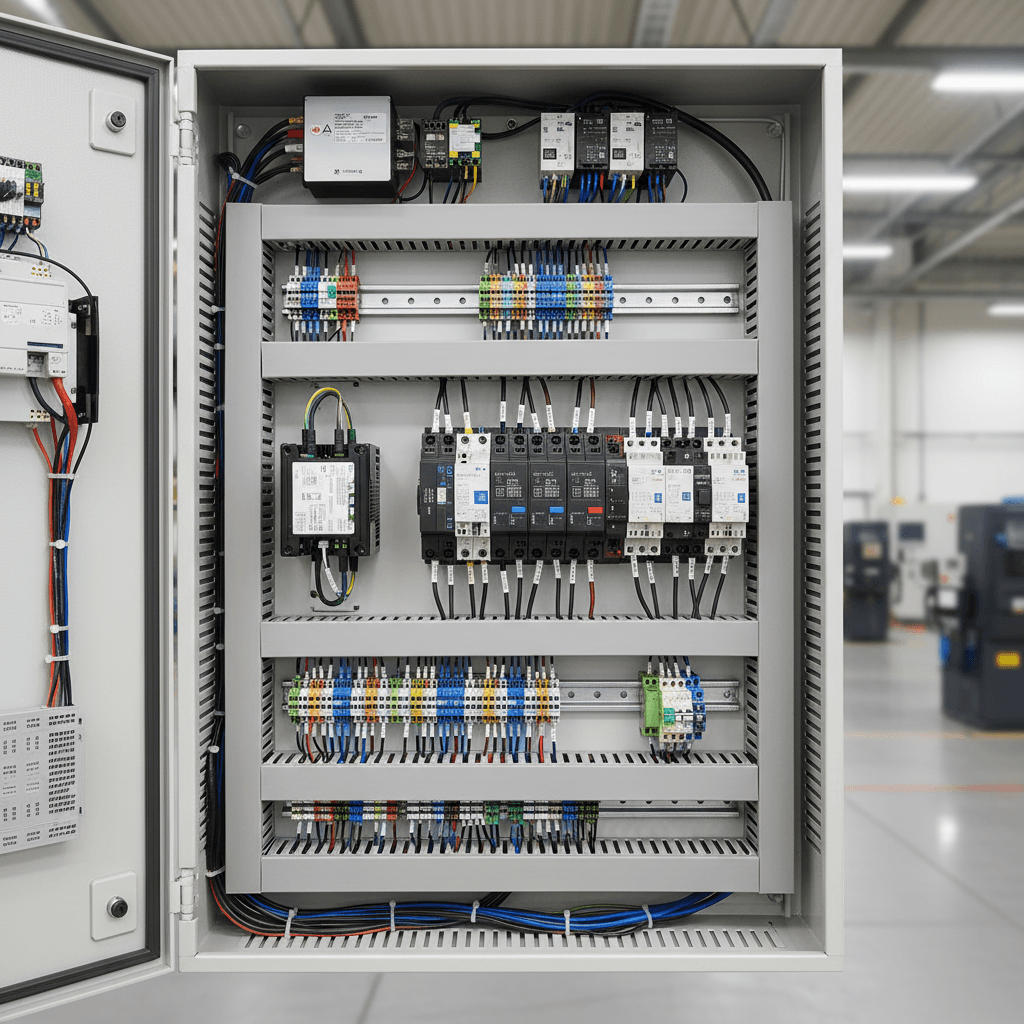
How PLC Auto Stops Work with AVIAN Thermal Cameras
Most autostop conversations start in the wrong place.
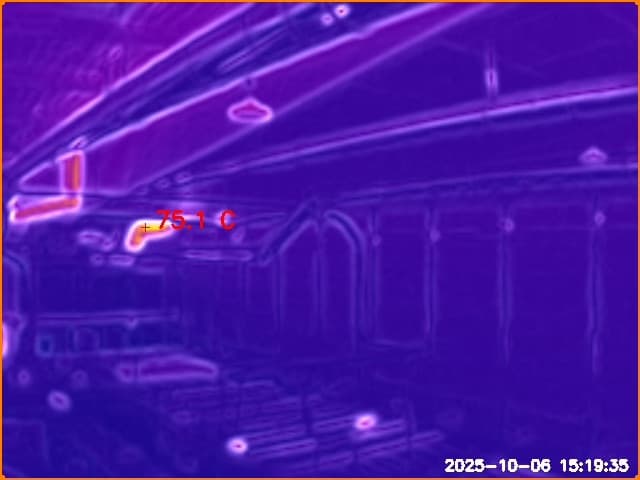
How Spark Detection Failed in a Duct Fire Incident
We caught a scary one this week folks.
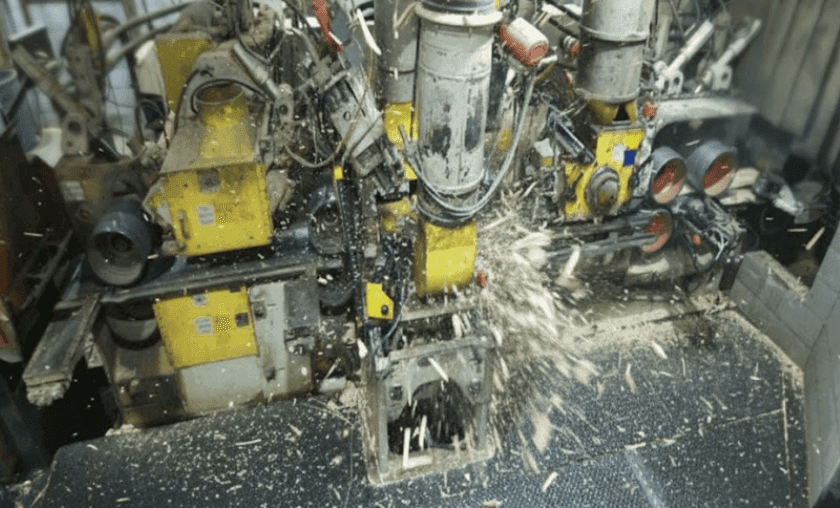
Condition-Based Thermal Monitoring at Sierra Pacific Mills
When Sierra Pacific Industries first reached out to AVIAN, the goal was straightforward: monitor baghouses and dust collection equipment at their Quincy, California operation. What happened next is a story about what ...
Where it applies
The industries this capability supports
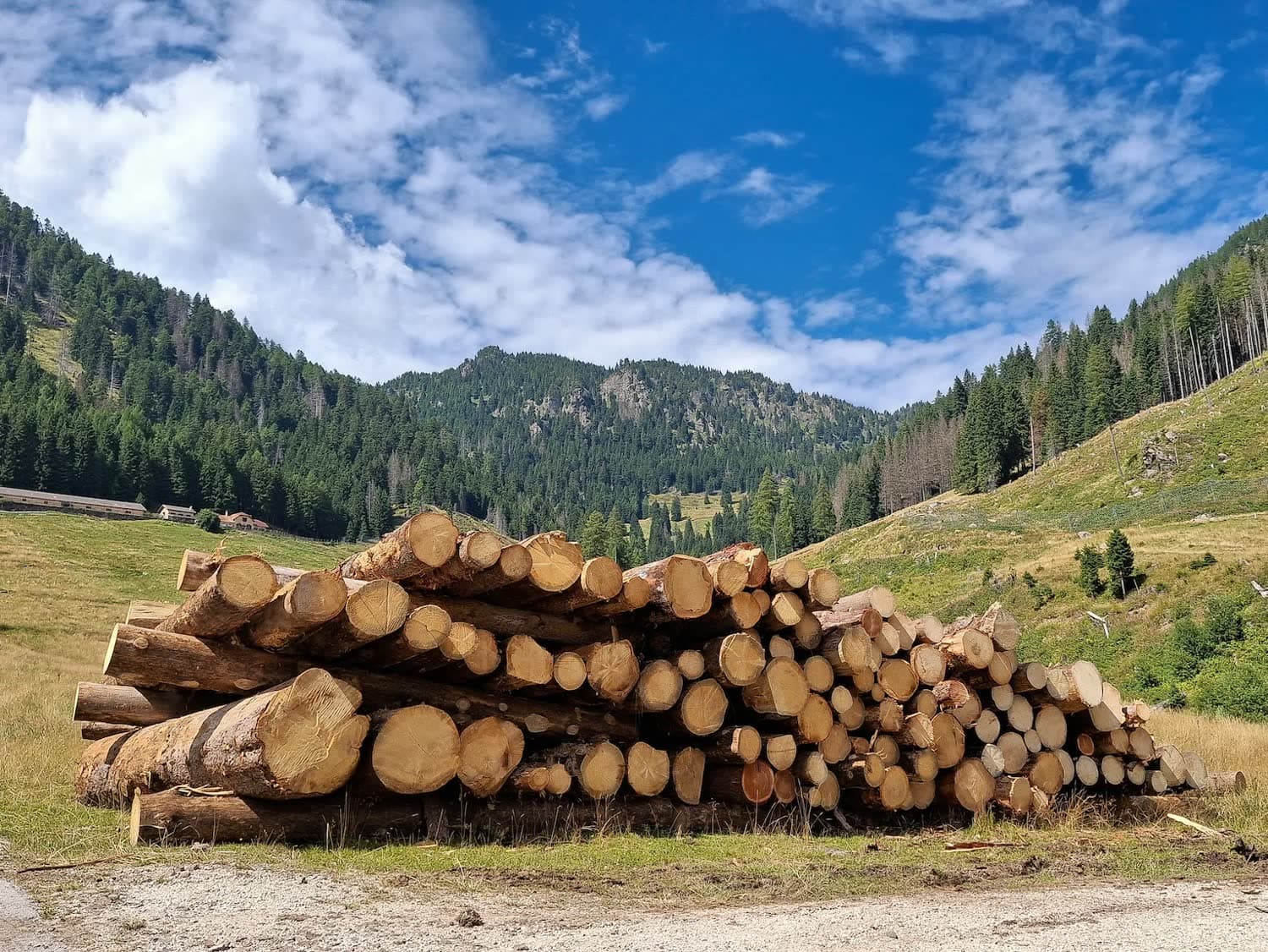
Sawmills and planer mills
Tie planer, conveyor, and dust-system heat into operator response and planned stops.
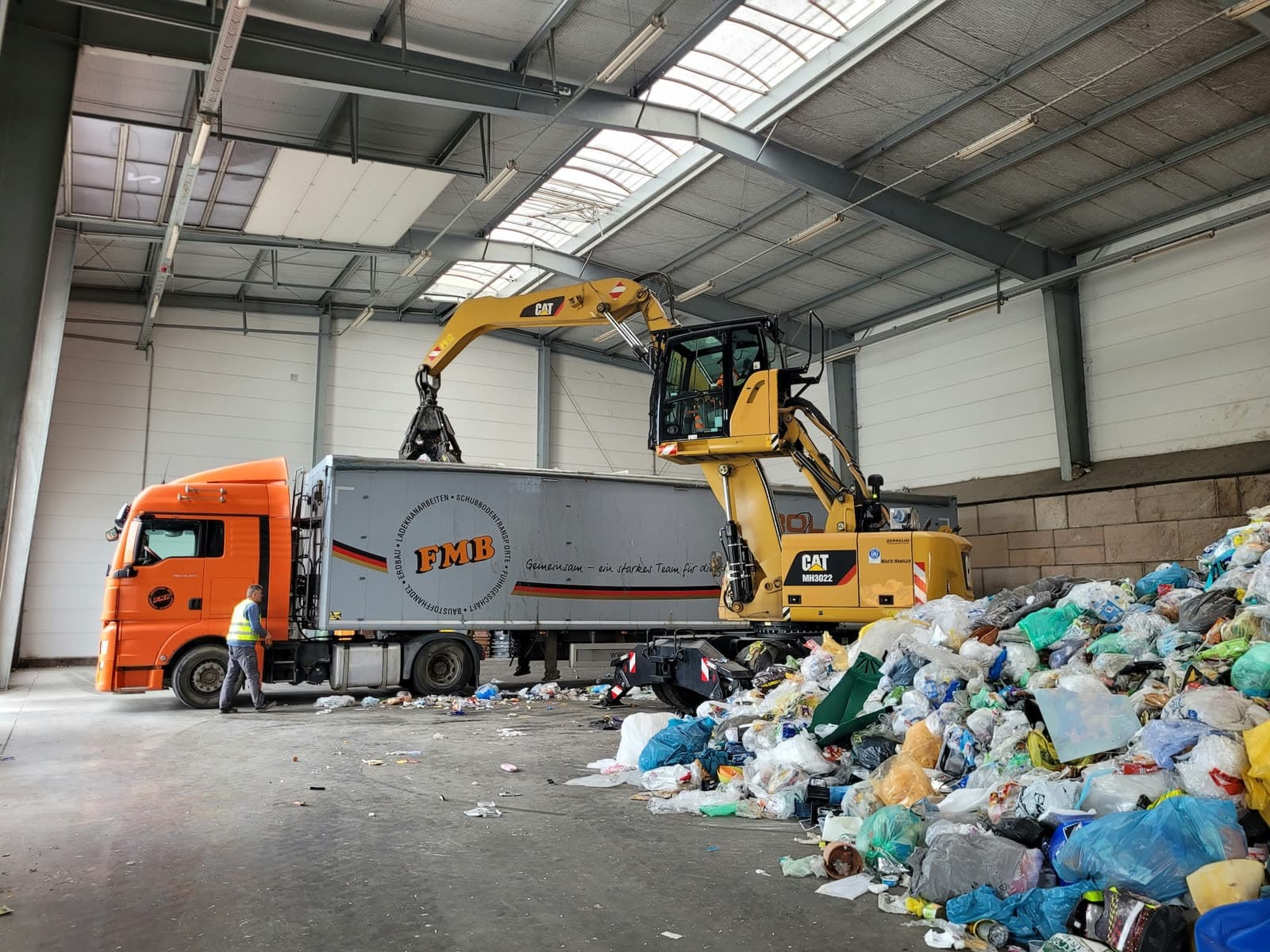
Recycling and waste
Route after-hours battery, pile, and conveyor events to the people who can verify and act.
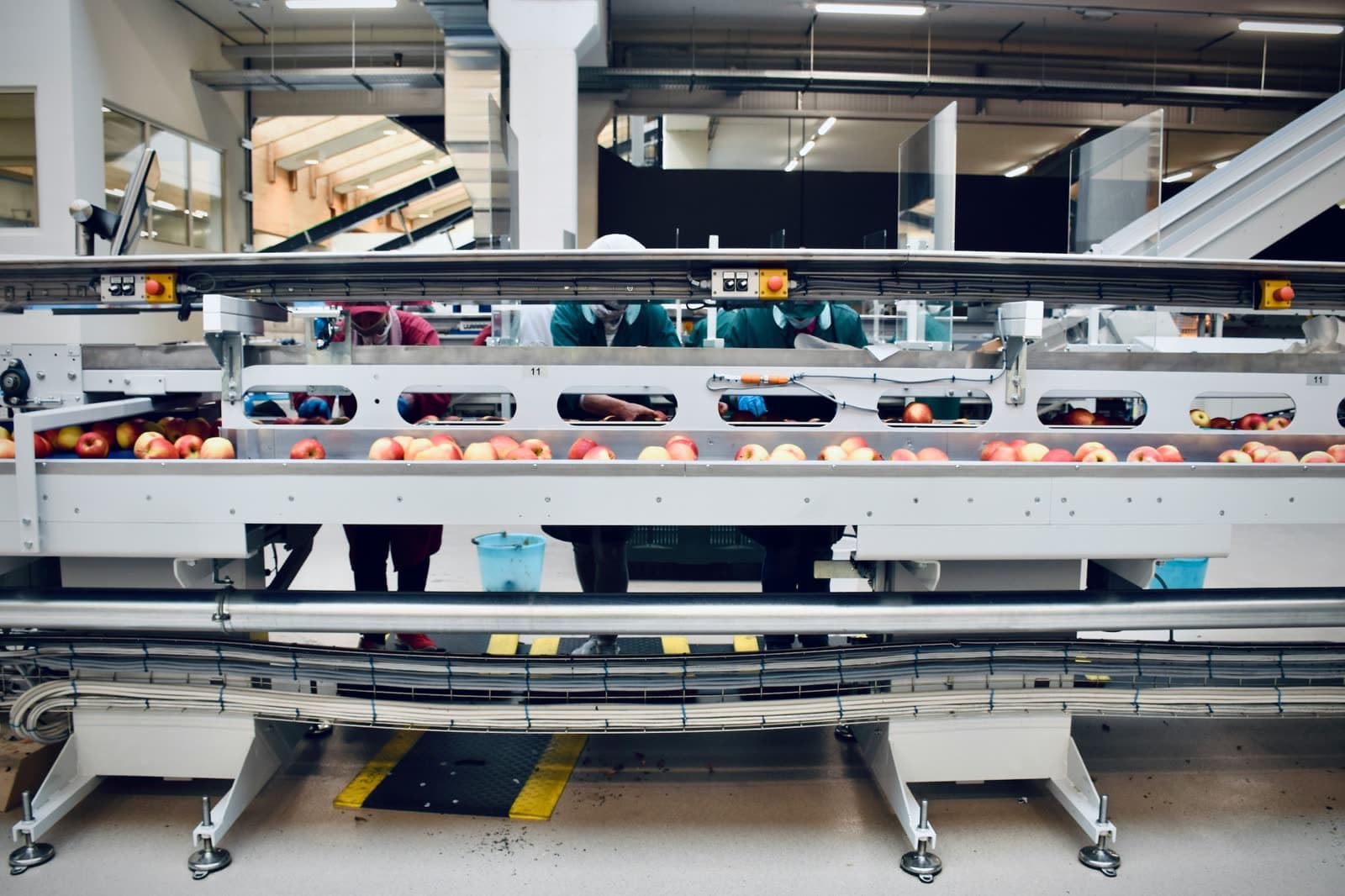
Food and beverage
Use thermal alerts around motors, compressors, conveyors, and panels without adding another workstation.
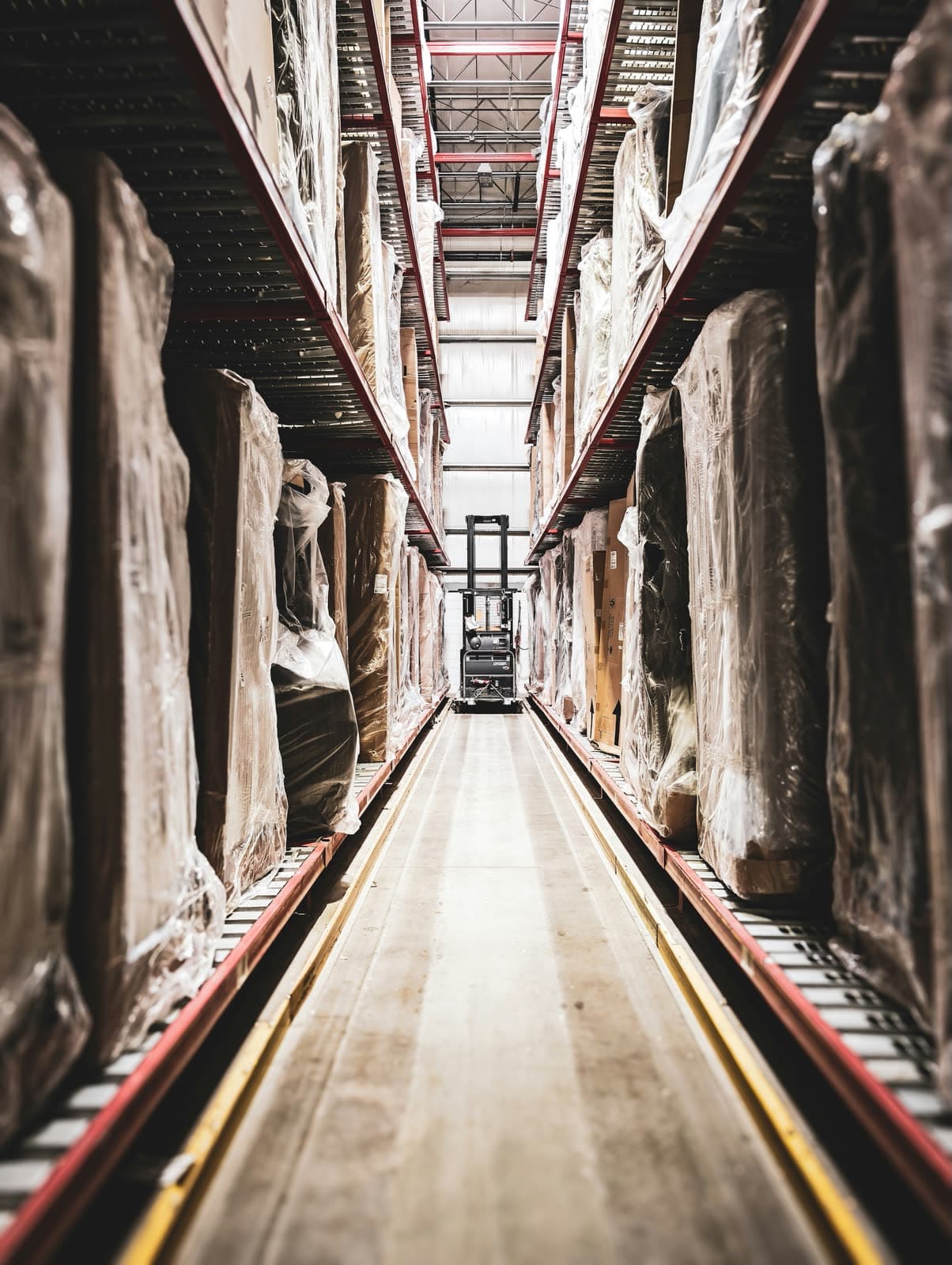
Ports and bulk handling
Escalate events from long conveyors, remote transfer stations, and storage zones across large sites.

Biomass and pellet plants
Route press, conveyor, drive, and dust-system heat into operator response and maintenance follow-up.
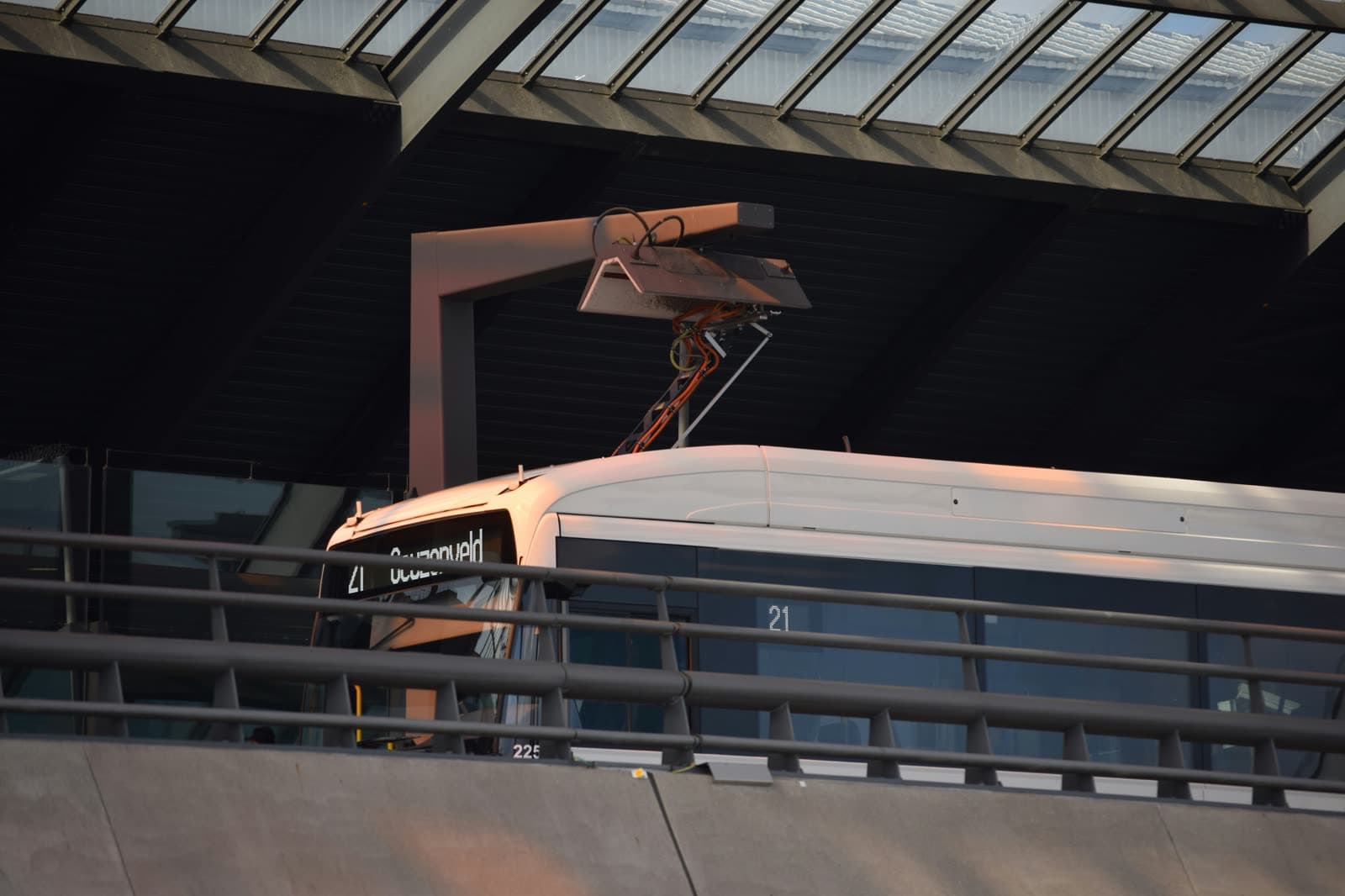
Electric bus depots and fleet charging
Escalate charger faults and battery heat to the teams responsible for overnight fleet safety.
FAQ
Questions teams ask before they deploy AVIAN
Can AVIAN trigger equipment shutdown?
Yes, when the site design calls for it. AVIAN can expose high-temperature events through industrial protocols so a plant can tie critical alarms into shutdown or control logic. The exact response is designed with the site, integrator, and safety requirements.
Does AVIAN replace the fire alarm panel?
No. AVIAN is an early-warning and operational response layer. Code-required fire alarms, panels, sprinklers, and suppression systems stay in place. AVIAN helps teams see abnormal heat earlier and route that signal into the right response workflow.
Can maintenance teams use the event history?
Yes. AVIAN records alerts, acknowledgements, thermal context, and response history so maintenance teams can review what happened, document recurring issues, and plan follow-up work.
How deeply does AVIAN integrate with PLC or SCADA systems?
AVIAN supports PLC-oriented workflows for sites that need automatic stops or control actions. This page keeps the overview broad; the detailed technical discussion lives in the AVIAN blog post on PLC integration and auto-stop for high-temperature events.
PLC Integration and Auto-Stop
The deeper technical post for PLC/SCADA readers who want control-system detail.
Dust Extraction Fire Caught Before It Spread
A field case where alerts and shutdown logic helped keep a fast-moving event contained.
Early Fire Prevention
How early thermal monitoring fits before smoke, flame, suppression, or shutdown.